Opens like an app
Its own icon and a full-screen window, without browser bars getting in the way.
Install CertGrove on your phone or computer. It opens from your home screen like any other app and keeps working when the connection drops.
Free · iPhone, Android and computers · No app store needed
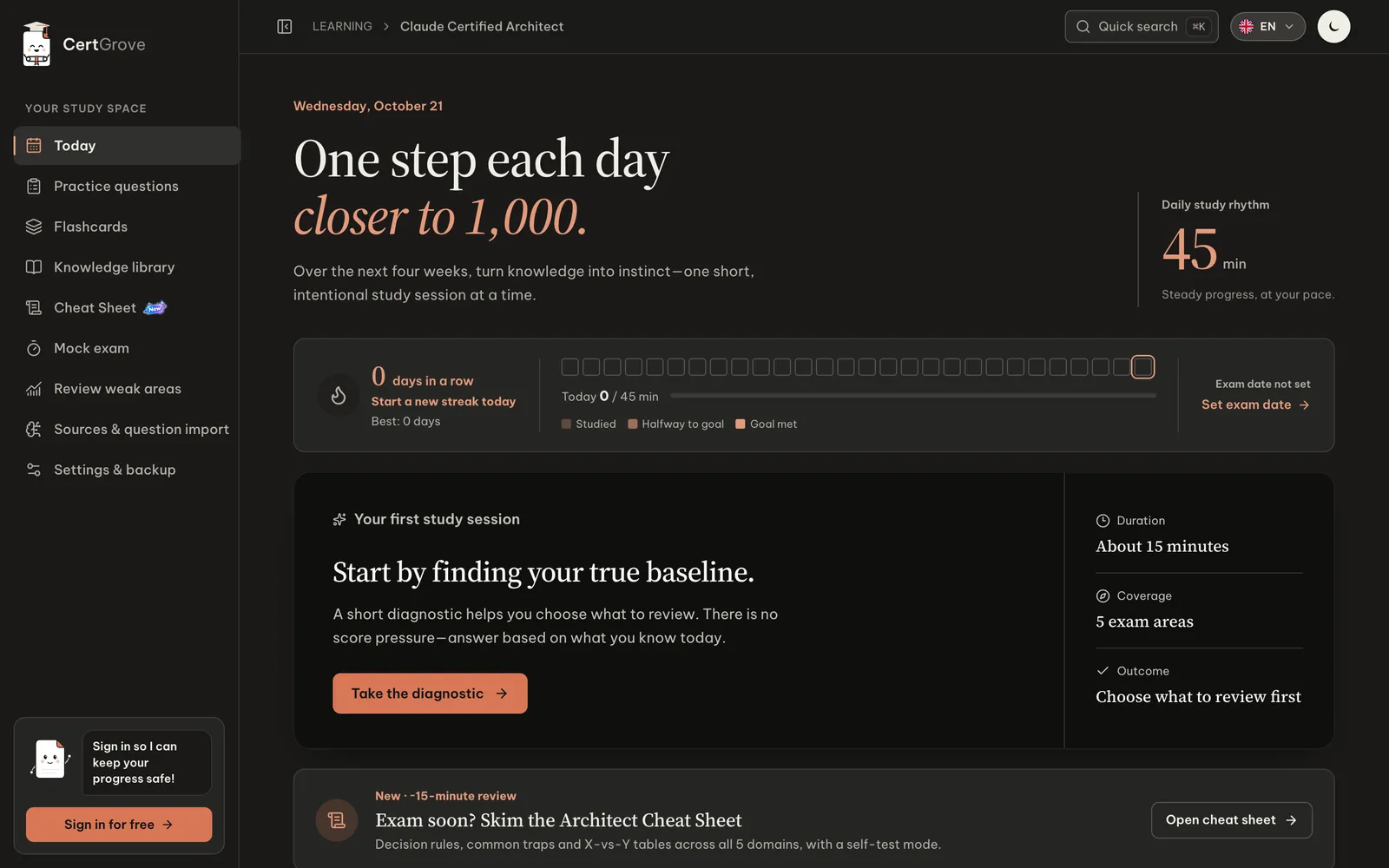
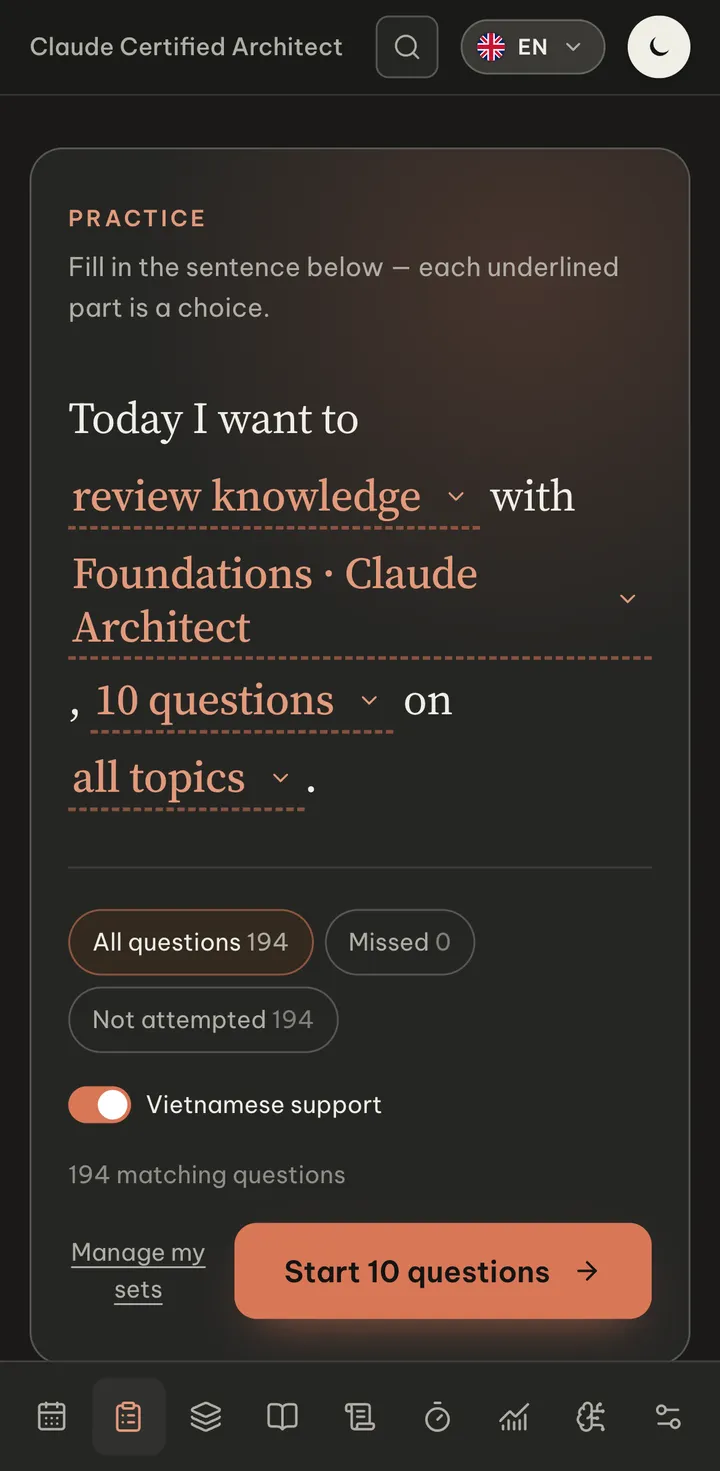
Its own icon and a full-screen window, without browser bars getting in the way.
Pages you have opened stay available on a train, a plane or a weak connection.
Sign in and your answers, flashcards and exam results sync between phone and computer.
No store updates to wait for. A new version installs itself the next time you open it.
Not yet. CertGrove installs straight from your browser, so there is nothing to download from a store and every update arrives automatically.